Please Install And Activate Gtranslate Plugin
About us
It takes more than a private internet browser to go incognito. We’ll make your real IP address.
Your IP Address:
- 216.73.216.218, 104.23.243.48
Your Location:
- ,
Your Status:
Unprotected
It takes more than a private internet browser to go incognito. We’ll make your real IP address.
Unprotected
Unlock Snapchat bans at school, work, and abroad using CoverMeVPN. It’s the best VPN for Snapchat, keeping your photos and videos secure. Try our Snapchat VPN with a 7-day money-back guarantee.
Start sharing snaps and stories with your loved ones and friends.
Over 180 million people use Snapchat daily to share photos and videos with friends. Many of these users are students whose schools block social media. Some Middle Eastern and Asian countries censor social media to restrict freedom of expression. A VPN can bypass this censorship and access Snapchat, Instagram, Facebook, Twitter, Google, YouTube, and more.
Suppose you’re in a place that blocks Snapchat. CoverMeVPN is the best VPN for Snapchat. It helps you regain access to Snapchat and enjoy your favorite filters. With servers in 140 countries, you can easily maintain your snap streaks with a single tap. Our Snapchat VPN is fast, so you won’t have to wait long to view your friends’ photos or stories.
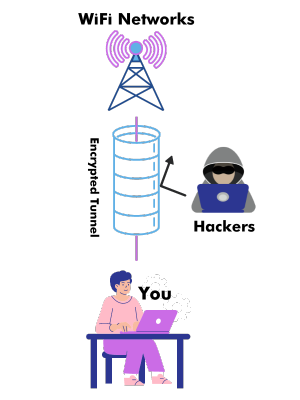
VPN, or virtual private network, creates a secure tunnel between you and the internet. It encrypts all data on your device, including apps like Snapchat, protecting it from third parties like your ISP. Firewalls in schools, offices, or government won’t detect or block your use of Snapchat.
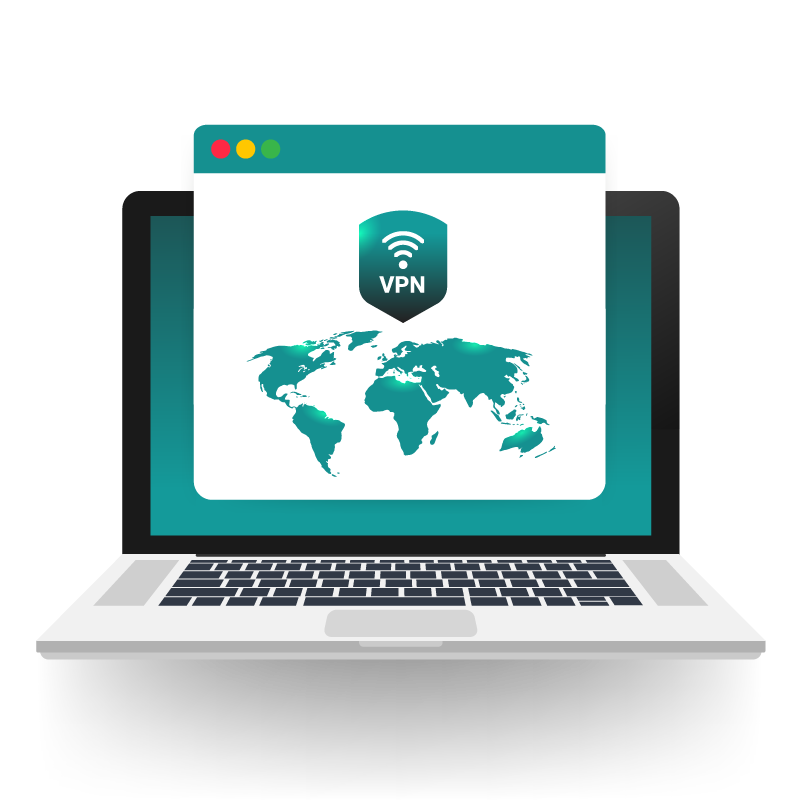
A VPN for Snapchat gives you a new IP address. Connecting to a CoverMeVPN server changes your phone’s location. If you choose a country where Snapchat isn’t blocked, you can access it.
Using free public Wi-Fi for Snapchat can expose you to attackers who can access your data. A Snapchat VPN can protect your internet traffic from hackers and other third parties.
Pick a trusted VPN service that works with Snapchat. Look for fast speeds, strong security, and mobile-friendly apps.
(Keywords: VPN for Snapchat, best VPN for Snapchat)
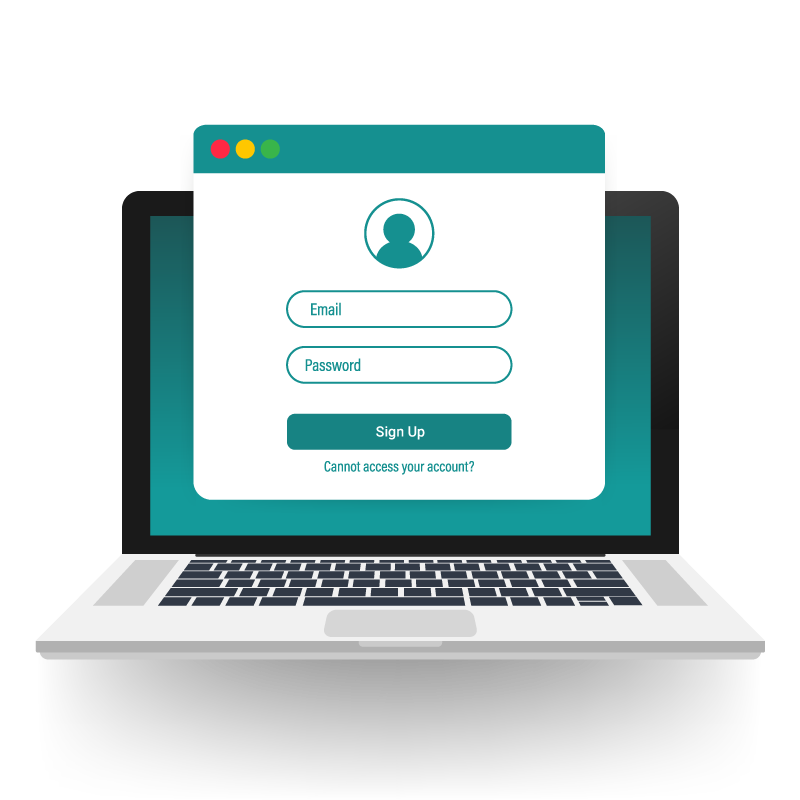
Create an account on the VPN website.
Then, download the VPN app for Snapchat from the App Store (iOS) or Google Play (Android).
Install the app on your phone or tablet.
Launch the app and log in using your account details.
Inside the app, select a server.
For faster Snapchat access, choose a server close to your location.
Now open Snapchat.
You can send Snaps, post Stories, and chat freely — just like normal.
Your connection is now encrypted.
You can enjoy Snapchat VPN access without blocks, restrictions, or privacy worries.
Are you frustrated by blocked access to Snapchat at school, work, or even in certain countries? CoverMeVPN offers a powerful solution, providing not just access, but a more secure and private Snapchat experience. Here’s how you benefit:
Using a VPN for Snapchat but running into issues? Here’s how to solve the most common problems easily.
Fix: Disconnect and connect to a different VPN server.
Fix: Clear the app cache or reinstall Snapchat from the App Store or Google Play.
Fix: Update your VPN app to the latest version or check your internet connection.
There are two primary reasons why you may be unable to access Snapchat.
First, you might be in a country that restricts or censors the app. Secondly, your office or school blocks Snapchat to save internet speed or reduce distractions.
Using a VPN is a common and legal way for millions to protect their online activities. Many users use VPNs to protect their privacy and secure sensitive business data. People use VPNs to bypass censorship, access sites like Facebook, and improve online gaming by reducing lag and increasing speeds. Overall, VPNs are helpful for both professional and personal use.
Yes! A VPN allows you to unblock Snapchat from anywhere in the world. If you plan to visit a country with internet blocks, sign up for CoverMeVPN before your trip. This will allow you to enjoy unblocking your social media and messaging apps no matter where you are.