Get The Best VPN for Facebook to unblock from Anywhere
Need to use Facebook but can’t access it? CoverMeVPN is the best VPN for Facebook. It helps you quickly, easily, and securely access the world’s leading social media site no matter where you are. Try our Facebook VPN risk-free!
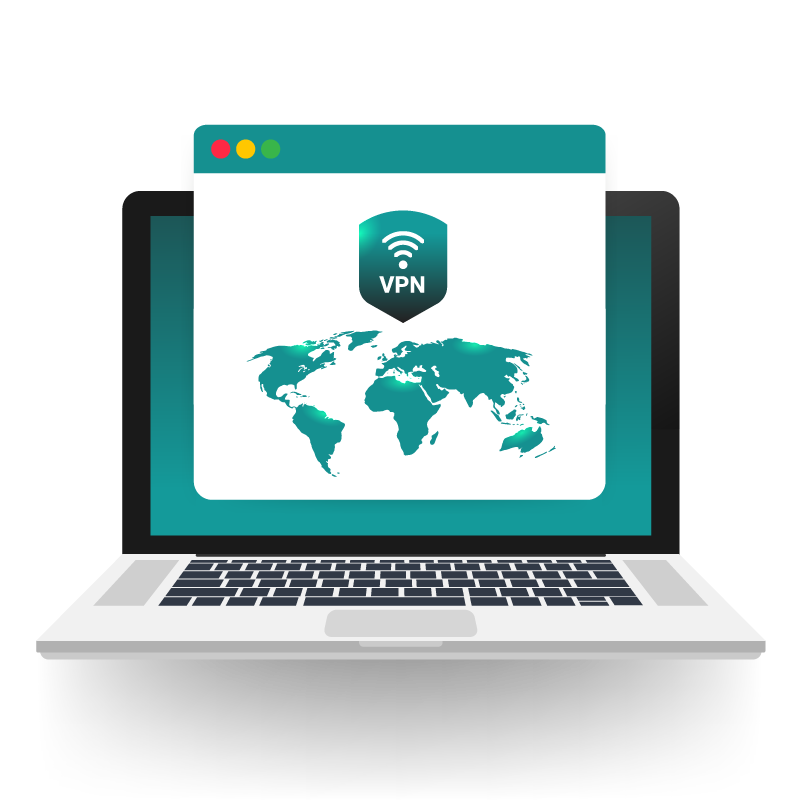
Connect to one of our VPN server locations where Facebook is accessible
Unblock Facebook Anywhere
Enjoy using Facebook and Facebook Messenger from anywhere!
How does CoverMeVPN unblock Facebook?
Tired of feeling exposed online? CoverMeVPN offers a reliable VPN service, acting as your digital bodyguard. We cloak your actual IP address, making you virtually invisible, and fortify your online activities with our network of secure VPN servers – the keys to your privacy.
Imagine this: You’re miles away, but you want to connect with friends on Facebook as if you were right there with them. With CoverMeVPN, you can effortlessly select a VPN server in the UK, and just like that, you’re browsing as a local. Unlock content, enhance your security, and experience the internet without borders. Choose CoverMeVPN and take control of your online presence.
Why our Facebook VPN is better than other VPNs
Why choose CoverMeVPN over the rest? When it comes to accessing Facebook securely and swiftly, the difference is clear. Unlike some VPNs that bog down due to overcrowded servers, our Facebook VPN is engineered for speed and stable connections, ensuring a smooth browsing experience.
Your security matters. While free or less reputable VPNs might compromise your privacy by selling your data, CoverMeVPN prioritizes your protection. We offer robust encryption and dedicated, user-friendly apps for all your devices. This means you can confidently encrypt your network and access Facebook with peace of mind, whether you’re relaxing at home or exploring the world.
Two possible reasons why you can’t access Facebook. Firstly, you are in a country that blocks or censors Facebook. Finally, Facebook’s access is limited in your office or school to save bandwidth and minimize distractions.
Yes! A VPN allows you to access Facebook from anywhere in the world. Sign up for CoverMeVPN before traveling to a country where Facebook may be out of use. Our Facebook VPN will help you access all your social media and messaging apps from anywhere.
Sure can! Use a VPN to access Facebook despite local internet blocks. Connect to a secure CoverMeVPN server in a location where Facebook is accessible, and you will have instant access.
Yes, using a VPN with Facebook is generally safe. It encrypts your internet traffic, enhancing privacy and security. However, it’s important to choose a reputable VPN provider to ensure your data remains protected.
While a VPN hides your IP address and encrypts your connection, Facebook can still track your activity through cookies and other tracking mechanisms. To enhance privacy, consider using privacy-focused browsers and regularly clearing cookies.
Facebook may block access if it detects unusual login patterns, such as logging in from different locations in a short period. To avoid this, use servers in regions where you frequently access Facebook and enable features like split tunneling to ensure consistent login behavior.
To minimize detection, use VPNs that offer obfuscated servers designed to mask VPN traffic. Additionally, avoid logging into Facebook from multiple devices or locations simultaneously to reduce suspicious activity.
Facebook may temporarily block or flag accounts if it detects login attempts from unfamiliar locations. To prevent this, use a consistent VPN server and avoid frequent changes in login locations.