


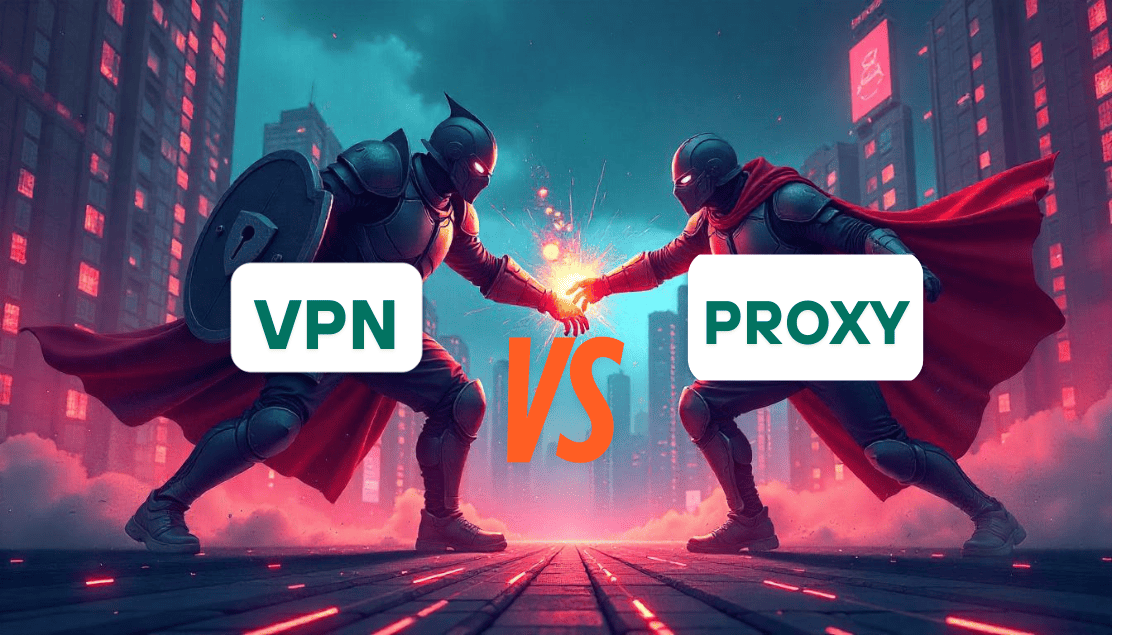

In today’s digital world, your online privacy is more important than ever. Whether you’re browsing, streaming, or working remotely, protecting your personal information has become non-negotiable. When it comes to online security, two popular tools often come up: VPN vs Proxy.
But what exactly are they? How are they different? And which one should you trust with your data?
In this article, we’ll explore the real difference between VPNs and Proxies, explain when to use each, uncover common risks, and show why VPNs
Let’s dive in.
What Is a VPN?
Table of Contents
ToggleA VPN (Virtual Private Network) is a security tool designed to create a secure, encrypted tunnel between your device and the internet. It hides your real IP address, encrypts all your online activities, and routes your traffic through secure servers across the globe.
How VPNs Work
When you connect to a VPN:
- Your device’s internet traffic gets encrypted.
- Your IP address is masked, making you appear to be browsing from another location.
- All your data passes through a secure VPN server before reaching its destination.
Key Features of VPNs
- Encryption: Military-grade encryption (like AES-256) protects your data from hackers, ISPs, and even government surveillance.
- Anonymity: VPNs prevent websites and advertisers from tracking your real identity.
- Full Device Protection: Whether you’re using a phone, laptop, or tablet, a VPN covers all internet activity.
- No-logs Policy: Premium VPNs like CoverMeVPN promise never to store your browsing data, ensuring complete privacy.
What Is a Proxy?
A Proxy server acts as a middleman between your device and the internet. It mainly masks your IP address by assigning you a temporary one. However, unlike a VPN, it does not encrypt your data or provide comprehensive protection.
How Proxies Work
When you access a website via a proxy:
- Your request first goes to the proxy server.
- The proxy server then forwards your request to the website, masking your IP address.
Key Features of Proxies
- IP Masking Only: Your real location is hidden, but your data remains exposed.
- No Encryption: Your internet traffic is still visible to your ISP, hackers, or governments.
- App/Browser-Specific Protection: Most proxies only work at the browser level (e.g., Chrome proxy extensions).
- Use Cases: Basic content access, bypassing regional restrictions, lightweight browsing.
VPN vs Proxy: Key Differences
| Feature | VPN | Proxy |
| Security | Encrypted and secure | No encryption, easily traceable |
| Privacy | Full private browsing, no ISP tracking | Limited privacy, some proxies log data |
| Speed | It may be slightly slower due to encryption | Generally faster but insecure |
| Device Protection | Covers the entire device | Only specific apps or browsers |
| Reliability | Stable, ideal for streaming/gaming | Can be blocked or unstable |
| Cost | Paid (with free trials) | Often free (but with risks) |
When Should You Use a VPN?
-
Online Banking
Protect sensitive financial transactions.
-
Streaming Geo-Restricted Content
Access Netflix, Hulu, BBC iPlayer from anywhere.
-
Public Wi-Fi Protection
Encrypt P2P file-sharing and avoid ISP throttling.
-
Remote Work
Secure confidential business communications, especially for healthcare, finance, and IT industries.
When Should You Use a Proxy?
Proxies can be suitable for:
Quick Access to Region-Blocked Websites
For non-sensitive browsing.

Bypassing Office or School Firewalls
Access social media or YouTube.
Low-Risk Browsing
Where security isn’t a major concern.
Risks of Using Free Proxies
Free proxies may sound attractive, but they come with serious risks:
- Data Theft: Malicious proxies can steal your login credentials.
- Malware Risks: Some proxies inject malware into your device.
- Selling Your Data: Many free services make money by selling user data to third-party advertisers.
- Connection Instability: Frequent disconnections can leak your real IP address.
Why VPNs Are Safer and Smarter Choices
Here’s why savvy internet users always choose VPNs:
- End-to-End Encryption: Protects your entire internet connection.
- Defense Against Hackers and Surveillance: Stay invisible online.
- Bypass Censorship: Access blocked websites even in countries with strict internet controls.
- Great Value for Money: With CoverMeVPN promotions (like Black Friday deals), you can secure your internet at a fraction of the cost.
How CoverMeVPN Offers Better Protection Than Any Proxy
When it comes to choosing a VPN, CoverMeVPN stands out because:
- Military-Grade Encryption: Uses AES-256 to lock down your data.
- No-Logs Policy: Your online activities are never recorded or stored.
- Static and Dynamic IP Options: Choose what fits your privacy needs.
- Global Server Network: 140+ countries for better speeds and geo-unblocking.
Affordable Pricing: Free trials, 7-day money-back guarantee, and seasonal discounts.
