
It takes more than a private internet browser to go incognito. We’ll make your real IP address.
Unprotected


Remote Desktop Protocol (RDP) is a powerful way to access computers from anywhere. But without the right security measures, it can become a major vulnerability. That’s where a Remote Desktop VPN comes in. With CoverMeVPN, you can safely access your devices remotely through a highly encrypted tunnel.

Remote Desktop Protocol (RDP) is a secure communication technology developed by Microsoft that allows users to connect to and control another computer remotely over a network. Whether you’re working from home, managing servers, or offering IT support, RDP makes it easy to access a computer’s desktop, applications, files, and network resources — just as if you were sitting right in front of it.
RDP works by creating a virtual connection between the user’s device (the client) and the remote computer (the host). The user’s keyboard and mouse inputs are transmitted to the remote device, and the screen of the host computer is sent back to the user in real-time.
Example in Action:
An employee working remotely can connect to their office desktop from home using RDP, allowing them to access files and run applications as if they were physically in the office.
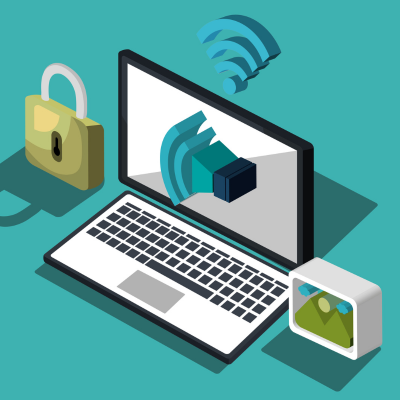

RDP vpn is widely used in:
Remote work environments
IT and technical support
Server management
Virtual desktop infrastructure (VDI)
Its ability to securely and efficiently connect users to distant systems saves time, money, and physical travel.
Remote Desktop Protocol (RDP) is a powerful tool that lets users control a computer remotely. But with this convenience comes risk. Without proper security, RDP can expose systems to cyber threats, data breaches, and unauthorized access.
Here are all the steps on how to secure the Remote Desktop Protocol:
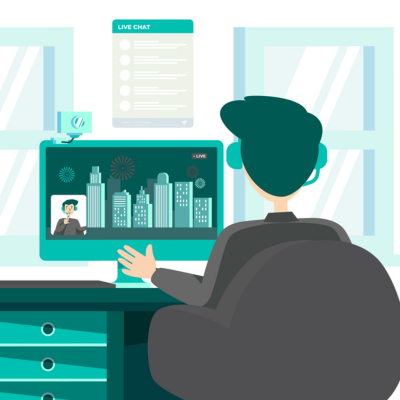
Why Choose CoverMeVPN for Remote Desktop Access?
Secure Remote Desktop Access
CoverMeVPN uses military-grade AES-256-bit encryption to protect your remote sessions. Your data stays private — even on public networks.
VPN for Remote Work – Fully Compatible
Supports OpenVPN, IKEv2, SSTP, L2TP, and PPTP. Whether you’re using Windows RDP or third-party tools, it works seamlessly.
Fast Remote Connections Worldwide
With a global network of servers in 60+ countries, CoverMeVPN ensures low-latency and reliable access from anywhere.
Remote Desktop VPN Encryption with Extra Protection
Stay safe with built-in Kill Switch and DNS Leak Protection. Even if your VPN drops, your real IP won’t be exposed.
| Issue | Solution |
|---|---|
| Cannot connect to remote desktop | Verify both devices are connected to the same VPN server |
| RDP freezes or lags | Try a different CoverMeVPN server or change the VPN protocol |
| IP address not showing | Reconnect to VPN and run ipconfig again |
| Connection drops | Enable Kill Switch and auto-reconnect in the app |
Don't leave your RDP exposed. Protect your connection with CoverMeVPN — the trusted Remote Desktop VPN for safe, encrypted remote access.
Click HereRDP can be secure if configured properly. However, exposing RDP directly to the internet without safeguards like strong passwords, multi-factor authentication (MFA), and a Remote Desktop VPN can leave systems vulnerable to cyberattacks.
A Remote Desktop VPN creates an encrypted tunnel between your device and the remote server, ensuring secure RDP sessions by hiding your IP address and protecting against unauthorized access.
Using RDP over public Wi-Fi is risky due to potential interception. Always connect through a trusted Remote Desktop VPN to encrypt your session and protect sensitive data.
Changing the default RDP port (TCP 3389) can reduce exposure to automated attacks, but it's not a standalone security measure. Combine it with other practices like using a VPN and MFA.
NLA requires users to authenticate before establishing an RDP session, adding an extra layer of security and reducing the risk of unauthorized access.
CoverMeVPN’s RDP VPN solution ensures secure, encrypted access to remote desktops from anywhere. Whether you’re managing servers or working remotely, it provides fast, private, and reliable connections—protecting your data while keeping productivity high.
